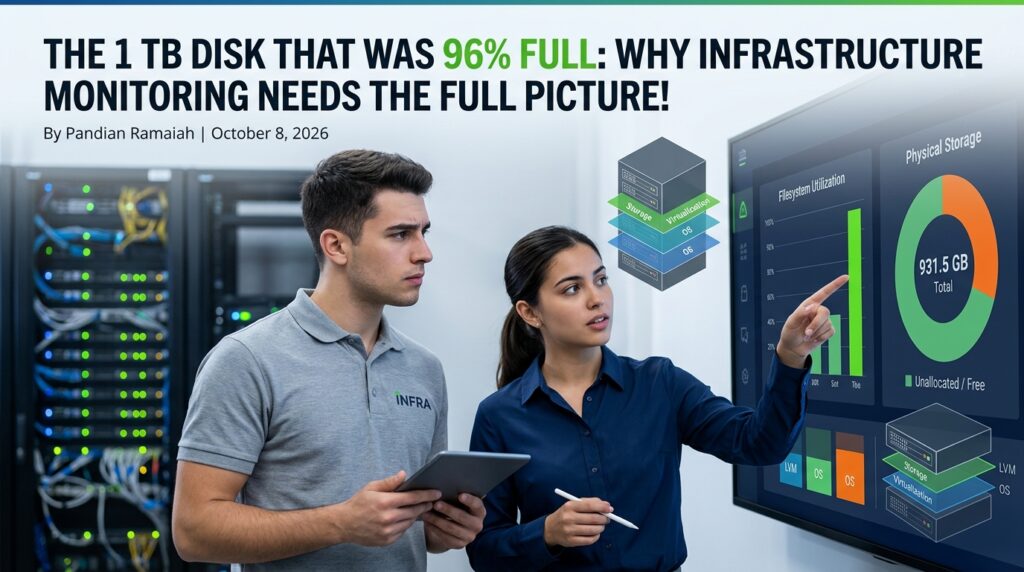
A few days ago, I was looking at an alert belongs to one of the Linux servers under my care reporting a frightening statistic:
Filesystem Size Used Avail Use% Mounted on
/dev/mapper/ubuntu--vg-ubuntu--lv 98G 90G 3.9G 96% /
At first glance, the conclusion seemed obvious:
The server is running out of disk space.
Any monitoring tool focused solely on filesystem utilization would likely raise a critical alert. Operations teams might start cleaning logs, deleting backups, or even planning emergency storage expansion.
But there was one problem.
The server was equipped with a 1 TB NVMe SSD.
The Problem with Partial Visibility
Many monitoring solutions focus on a single layer of the stack:
- Operating System metrics
- Filesystem utilization
- Application performance
- Infrastructure health
- Storage capacity
While each view is valuable, few of them tell the complete story independently.
In this case, the filesystem reported:
- Total size: ~100 GB
- Free space: ~4 GB
- Utilization: 96%
Everything pointed to a storage crisis.
However, when we looked deeper into the underlying storage architecture, the picture changed completely.
The Hidden Layer: LVM
A quick inspection revealed:
Disk: 931.5 GB
Volume Group Size: 928.46 GB
Volume Group Free: 828.46 GB
Logical Volume Size: 100 GB
The server wasn’t actually running out of storage.
Instead:
- The physical disk had more than 900 GB available.
- The LVM Volume Group had over 800 GB of unallocated space.
- Only the root logical volume had been provisioned with 100 GB.
The monitoring tool was technically correct.
The filesystem was indeed 96% full.
But the overall infrastructure was far from exhausted.
Why Context Matters
This is a classic example of why monitoring should never stop at a single metric.
Imagine receiving the following alerts:
Filesystem Perspective
Critical: Root filesystem 96% utilized
Infrastructure Perspective
- SSD Capacity Available: 840+ GB
- Volume Group Free Capacity: 828+ GB
- Online Expansion Possible
These two views tell completely different stories.
One suggests an emergency.
The other suggests a routine configuration adjustment.
Without end-to-end visibility, teams often spend time solving the wrong problem.
The Real Fix
The solution turned out to be remarkably simple.
The logical volume was extended:
sudo lvextend -l +100%FREE /dev/ubuntu-vg/ubuntu-lvThen the ext4 filesystem was grown online:
sudo resize2fs /dev/ubuntu-vg/ubuntu-lvNo reboot.
No hardware changes.
No downtime.
After expansion:
Filesystem Size Used Avail Use% Mounted on
/dev/mapper/ubuntu--vg-ubuntu--lv 914G 90G 787G 11% /
The server instantly moved from:
- 96% utilization
- 3.9 GB free
to
- 11% utilization
- 787 GB free
What Monitoring Tools Should Show, that helps AI Agents to make right decision?
An effective monitoring platform should correlate information across multiple layers:
Infrastructure Layer
- Physical disk capacity
- Storage health
- RAID status
- Cloud storage utilization
Virtualization Layer
- Virtual disks
- Attached volumes
- Storage pools
LVM and Storage Management Layer
- Physical Volumes (PV)
- Volume Groups (VG)
- Logical Volumes (LV)
- Unallocated storage
Operating System Layer
- Filesystem utilization
- Mount points
- Inode consumption
Application Layer
- Database growth
- Log growth
- Application storage trends
When these layers are connected, operators gain true situational awareness rather than isolated symptoms.
The Cost of Siloed Monitoring
Monitoring a single layer often leads to:
- False urgency
- Unnecessary hardware purchases
- Longer troubleshooting cycles
- Misdiagnosed incidents
- Reduced operational confidence
The filesystem wasn’t the problem.
The problem was a lack of visibility into the storage stack beneath it.
The Bigger Lesson to have true Agentic Practice
Good monitoring is not about collecting more metrics.
It is about providing context.
A dashboard that reports “96% disk usage” is useful.
A dashboard that reports:
Root filesystem is 96% utilized. However, the underlying volume group contains 828 GB of unallocated capacity and can be expanded online.
is actionable for AI Agents.
The difference is not data.
The difference is insight.
Final Thoughts
The next time a monitoring alert appears critical, pause before reacting to a single metric. Modern infrastructures are built from multiple abstraction layers, and issues at one layer may not represent reality at another.
The best monitoring solutions do not simply display numbers. They connect infrastructure, virtualization, storage, operating systems, and applications into a single operational story.
Because sometimes a server that appears to be out of space is actually sitting on more than 800 GB of unused capacity.
AI-Assisted Writing.
Infrastructure: On-Premise Open WebUI and Ollama
Model used: Gemma4:26b
Featured image: Gemini